
Touch-dimming desk lamps: checking everyday usability
A touch interface should make the next action clear, from switching on to finding a useful brightness.
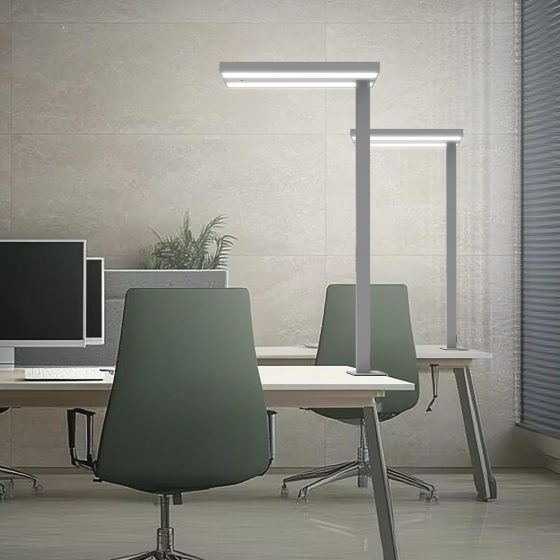
A clean-looking control surface does not tell a buyer how easy a lamp is to operate. The useful test is whether someone can find the control, understand the response and make the adjustment they intended. Review those actions at a furnished desk before selecting the interface.
1. Check whether users can find the control
Put the lamp in its intended position and ask someone unfamiliar with it to switch it on. Observe which area they try first and whether any marking is easy to see from the normal seat. Include the surrounding light conditions in the review.
Check access with the screen and ordinary desk items in place. A control that is obvious on an empty demonstration table may be hidden or awkward to reach in the final arrangement. Record the intended mounting and viewing position alongside the interface choice.
2. Separate switching from dimming gestures
Confirm the intended actions in the product instructions: for example, whether dimming uses a sustained touch, separate buttons or a sliding area. Test the actual interface rather than assuming that all touch-dimming lamps work in the same way.
Ask users to increase and reduce brightness, stop at a chosen level and switch off. Note any confusion between these actions. If more than one function shares a control, check that each action can be performed deliberately and explained simply.
3. Review the response across the range
Compare the response to a brief action with a longer adjustment. Check whether users can stop where they intend and return to a previous useful level. Include both brighter settings and the lower part of the range required for the task.
Record visible steps or instability and ask for relevant measured information when required by the project. The touch surface describes the interface; the selected product still needs to meet the agreed light-output and dimming requirements.
4. Look for unintended operation
Use the nearby desk area normally: reach for papers, adjust the lamp within its instructions and move routine accessories. Note any unplanned switching or change in brightness. Consider whether a different control position would be more suitable for that workspace.
Review the manufacturer’s cleaning instructions and how staff should handle the control area. Do not assume that a surface tolerates every cleaning method or that it can be locked. If a lock or other special behaviour is needed, make it an explicit requirement for confirmation.
5. Check memory and shared use
Record what happens after switching off and on, and after a power interruption handled according to the instructions. If the product offers memory, ask which settings it retains and under which conditions. Verify the behaviour on the sample being considered.
For a shared desk, let the next user start with the previous user’s settings. Check whether they can return to a useful level without a lengthy explanation. Keep the accepted gestures and restart behaviour in a short user handover note.
A useful enquiry checklist
Prepare these details before discussing the proposed configuration:
- Control visibility and reach from the normal seat
- Switching, dimming and any additional gestures
- Response speed and repeatable brightness adjustment
- Observations during ordinary use of the desk
- Cleaning instructions and any required lock function
- Memory, restart behaviour and user handover notes
Choose an interface people understand
Use the trial to confirm a small set of clear, repeatable actions. Keep the control behaviour tied to the exact configuration, since similar-looking lamps can use different interfaces.